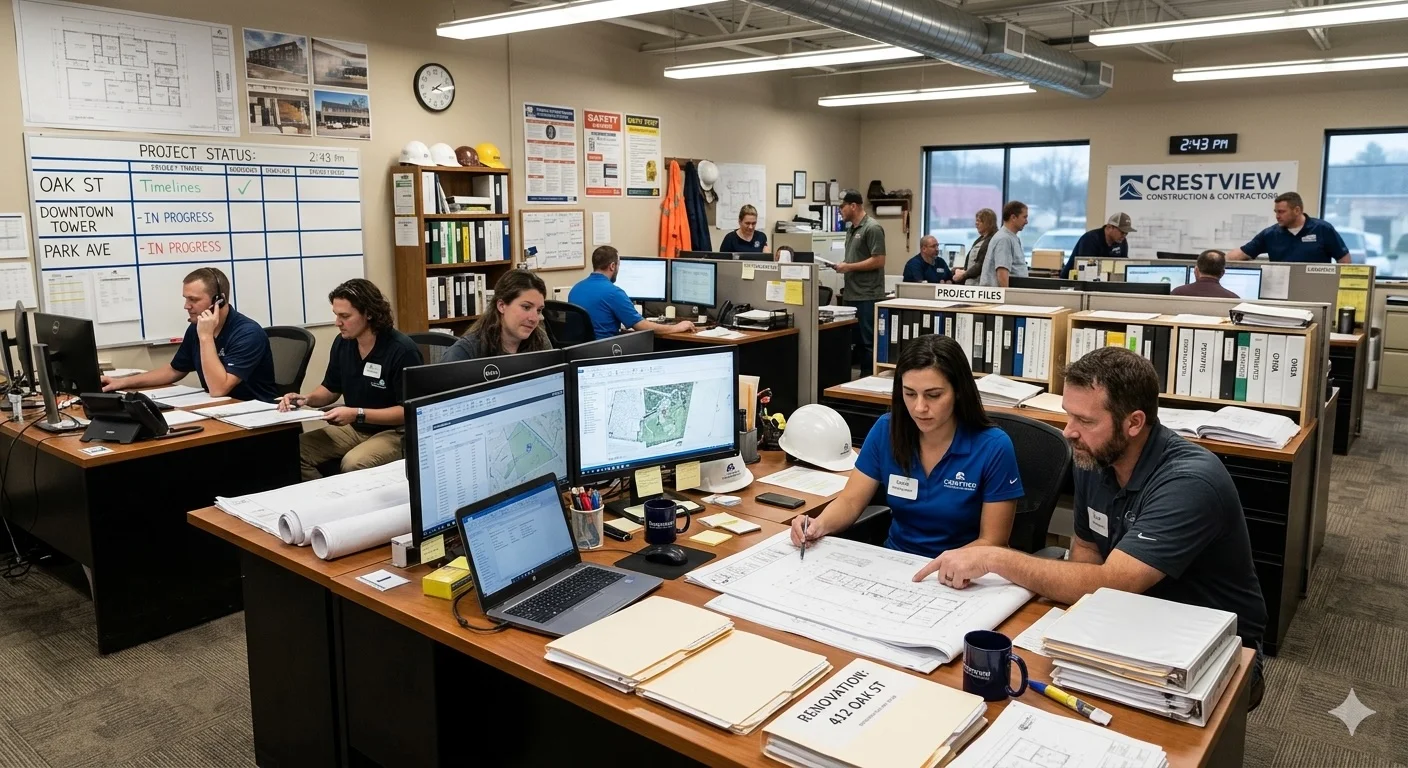
Construction contractor AP automation addresses one of the most document-intensive back-office environments in APAC business. Contractors managing multiple active sites deal with a constant stream of subcontractor invoices, material receipts, and progress claims — arriving from site via WhatsApp photo, handed in as paper, or emailed sporadically. Getting all of it captured, categorised, project-coded, and into your ERP accurately is what Lizzie does automatically.
The Construction Contractor's Document Problem
A mid-size construction contractor running three active sites might have 15 to 20 subcontractors — civil works, M&E, tiling, plastering, painting, glazing. Each one submits invoices on their own schedule, in their own format. The electrician WhatsApps a photo of his handwritten claim. The M&E subcontractor emails a PDF. The tiling contractor hands a paper invoice to the site supervisor who photographs it and sends it to the admin group. And the main supplier for materials invoices weekly by email with a multi-page PDF covering deliveries across all sites.
For the contractor's back-office team — often just one or two admin staff — processing this volume accurately is a significant daily challenge. Documents come in throughout the day, often without context about which project or cost centre they belong to. Progress claims arrive with retentions, variations, and previous-payment deductions that need to be verified before the invoice can be posted.
The stakes are high. Errors in subcontractor invoice processing create payment disputes that slow down work on site. Missing invoices distort project cost reporting, making it impossible to accurately track margin against the original budget. And for contractors who issue their own progress claims to developers and main contractors, accurate cost tracking is directly linked to cash flow.
How Lizzie Handles Site-to-Office Document Flow
Lizzie integrates with the communication channels your sites already use — primarily WhatsApp, but also email and Telegram. Site supervisors, subcontractors, and suppliers send documents to a dedicated Lizzie channel (a WhatsApp number linked to your company). Lizzie receives each document, extracts the key data — vendor, invoice number, amount, line items, project reference if included — and creates a payable record in your accounting system.
Lizzie creates draft purchase invoices in your ERP, mapped to the correct supplier record and, where a project reference is provided or identifiable, the correct project or cost centre. Your accounts staff reviews the draft, confirms the project allocation if needed, and approves — a process that takes seconds for a routine invoice rather than the minutes it would take to key it manually.
Documents that arrive without a clear project reference are flagged for your team to allocate. This exception process is significantly faster than full manual entry — the data is already extracted, the only missing piece is the project tag. Over time, as Lizzie learns which subcontractors work on which projects, even this step becomes less frequent.
Automatic Expense Categorisation and Project Code Assignment
One of the most time-consuming parts of construction AP isn't the data entry itself — it's the classification. Every invoice needs an expense category (labour, materials, plant hire, subcontract works, preliminaries) and a project code before it can be posted. For a back-office team processing 50–100 invoices a week across multiple sites, this classification work adds up to hours.
Lizzie handles this automatically. When an invoice arrives, Lizzie doesn't just extract the amounts — it reads the line items, the vendor type, and the description to infer the correct expense category. A civil subcontractor's progress claim gets categorised as subcontract works. A hardware store invoice with line items for timber and screws is categorised as materials. A crane hire invoice is flagged as plant and equipment. These categories map directly to your ERP's chart of accounts, so the draft invoice is ready to post without your accountant having to re-classify every line.
Project code assignment works the same way. Lizzie matches the invoice to the right project based on the subcontractor's history, any project reference in the document, or the site contact who sent it. A tiling subcontractor who has only ever worked on Project Damansara gets their invoice assigned to that project automatically. When Lizzie is confident in the assignment, it proceeds without interruption. When it isn't — a new subcontractor, an ambiguous reference — it proposes the most likely match and asks your team to confirm with a single tap.
The result is a fully classified, project-coded draft invoice waiting for approval — not a blank form waiting to be filled in. Your accounts team goes from data processor to reviewer, which is a fundamentally different and faster workflow.
Managing Progress Claims and Receivables with Maya
For contractors issuing progress claims to developers or main contractors, Maya handles the follow-up on outstanding certified amounts. Maya sends regular statements of outstanding claims, follows up on overdue certified amounts, and escalates to your team when payment is significantly delayed. In a cash-flow-sensitive industry like construction, systematic AR follow-up on progress claims is directly linked to your ability to pay subcontractors on time and maintain site operations.
The Rest of the Workflow
Lizzie captures the site invoices and Maya keeps the progress claims moving. One more agent checks those invoices against what was actually delivered.
Mei — Receiving matches every supplier invoice against your purchase order and against what the warehouse actually received. Short deliveries, wrong quantities and quiet price increases surface before you pay, not after.
Frequently Asked Questions
Can Lizzie automatically assign expense categories and project codes to construction invoices?
Yes — this is one of Lizzie's most valuable capabilities for contractors. When an invoice arrives, Lizzie reads the vendor type, line item descriptions, and any project references to infer the correct expense category (materials, subcontract works, plant hire, preliminaries, etc.) and assign the right project code. Categories and codes map to your ERP's chart of accounts and project structure. Lizzie proposes the assignment automatically — your team reviews and approves rather than classifying from scratch. For recurring vendors on known projects, Lizzie's accuracy reaches near 100%, making the review step a quick confirmation rather than a decision.
Can Lizzie handle subcontractor invoices with retentions and variations?
Lizzie extracts the amounts as presented on the invoice — gross claim, retention deduction, variation amounts, previous payments certified, and net amount due. These are included in the draft payable record created in your accounting system. Your accounts team then verifies the retention and variation amounts against your project records before approving the posting. Lizzie handles the data capture; the verification of variation approvals and retention calculations remains with your team as a necessary human judgement. This split — automated capture, human verification — is appropriate for the complexity of construction progress claims.
How does project cost allocation work when invoices don't mention a project name?
When a subcontractor invoice doesn't include a project reference, Lizzie creates the draft payable and flags it for project allocation. Your accounts team sees the outstanding allocation in their review queue with the original document attached. For recurring subcontractors who consistently work on the same project, Lizzie learns this pattern and proposes the allocation automatically for confirmation rather than requiring manual selection each time. This learning reduces the allocation workload over time without eliminating the human check on project cost accuracy.
What if subcontractors send invoices in mixed formats — some PDF, some photos, some Excel?
Lizzie handles all three. PDF invoices, photographs of paper invoices, and Excel-based invoice templates are all processed by the same AI extraction pipeline. The format of the document doesn't change the workflow — Lizzie extracts the relevant fields from whatever format arrives. For photos taken under poor site lighting conditions, the AI extraction is robust to common image quality issues. When image quality makes extraction unreliable, Lizzie flags the document for manual entry with the original image attached, so nothing is silently dropped.
How does FlowGo integrate with construction ERP and accounting systems?
Lizzie integrates with AutoCount, SQL Account, QuickBooks, Xero, and SAP Business One — the most common ERP and accounting platforms among contractors in Malaysia and Australia. Extracted invoice data maps to your existing supplier master, cost centre structure, and project accounting configuration. For contractors using project modules to track costs against budgets, Lizzie-created invoices flow into the same project cost reports your management team reviews. There's no parallel data entry or reconciliation — Lizzie writes directly to your ERP, and your reports reflect all invoices whether entered manually or captured by Lizzie.
Ready to get site invoices into your ERP automatically?
Book a Demo on WhatsApp