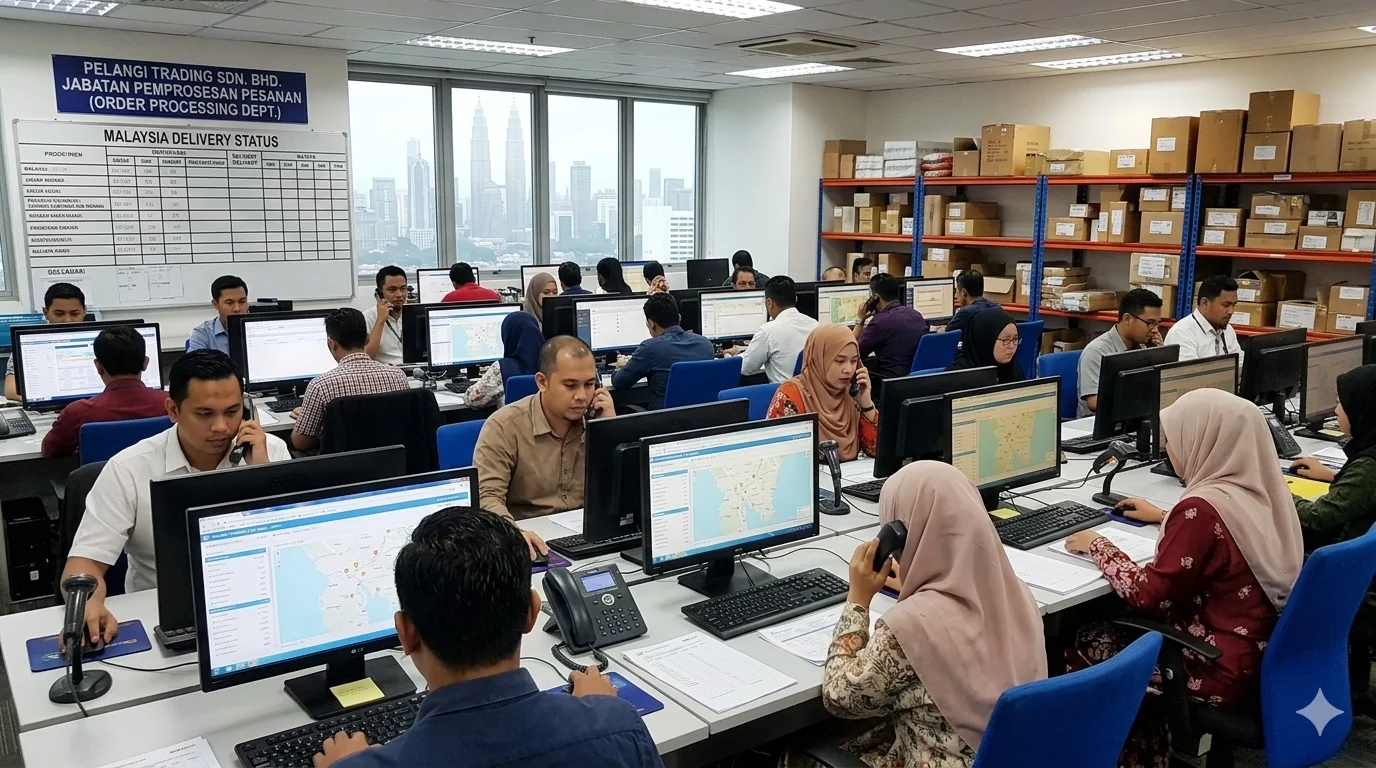
Trading company invoice automation solves one of the most complex document intake challenges in APAC business — handling purchase orders and supplier invoices from multiple countries, in multiple formats, across multiple channels, while maintaining clean accounting records across currencies and entities.
Why Trading Companies Have the Most Complex Document Problems
Trading companies — whether importing goods into Malaysia and Australia for local distribution, or acting as export intermediaries connecting regional buyers with suppliers — operate across a document landscape that is uniquely varied. Overseas buyers in Indonesia, Thailand, Vietnam, China, or Australia don't conform to a single format or channel preference. Some email structured PDFs. Some send WhatsApp photos of handwritten order forms. Some use their own portals that generate Excel exports.
On the supplier side, the same variety applies. A Malaysian trading company importing from Chinese manufacturers might receive invoices in Chinese, with USD pricing, as email attachments that don't match any standard template. Local suppliers send WhatsApp photos. Freight forwarders email PDFs with line items buried in dense shipping documentation.
For a back-office team managing these flows manually, every document is a small puzzle to solve before it can be entered into AutoCount or SQL Account. The cognitive load is significant, the error rate is higher than for simpler businesses, and the time investment per document is substantially greater than for a local-only operation.
How FlowGo Handles Trading Company Document Flows
Rich handles the inbound purchase order flow from your buyers. Regardless of format or channel, Rich captures each PO, extracts the buyer identity, line items, quantities, pricing, and delivery terms, and maps them to your product catalogue to create sales orders. For overseas buyers operating in different time zones, this happens automatically without waiting for your team to start work.
Lizzie handles the supplier invoice side — capturing invoices from your overseas and local suppliers, extracting the key data including currency and line-item detail, and creating payable records in your accounting system. When a supplier invoice is in a foreign language or uses non-standard formatting, Lizzie's AI extraction handles it — including Chinese-language invoices common among Malaysian trading companies sourcing from China.
Both agents work across WhatsApp, email, and Telegram simultaneously, so buyers and suppliers don't need to change how they communicate with you. The automation works invisibly in the background, and your accounting system stays current without manual intervention.
The Accuracy Advantage for Multi-Currency Operations
Manual document entry in a multi-currency environment introduces a specific risk: currency errors. An invoice entered in the wrong currency, or with a transposed exchange rate, can create significant accounting discrepancies that are time-consuming to trace and correct. FlowGo extracts currency as part of the document data, capturing exactly what's on the invoice, so your accounting system receives accurate, currency-matched data from the start.
The Rest of the Workflow
Rich and Lizzie handle documents in every format. One more agent checks them against what physically arrived.
Mei — Receiving matches every supplier invoice against your purchase order and against what the warehouse actually received. Short deliveries, wrong quantities and quiet price increases surface before you pay, not after.
Frequently Asked Questions
Can FlowGo handle invoices in Chinese, Malay, or other non-English languages?
Yes. Lizzie's document extraction handles invoices in English, Malay, and Chinese — covering the most common languages in Malaysian and Australian trading company document flows. For Chinese-language invoices from mainland Chinese suppliers, Lizzie extracts the key fields (vendor name, item descriptions, quantities, amounts, dates) accurately. For documents in languages not yet supported, Lizzie flags them for human review with the original document attached, so nothing is silently dropped or processed incorrectly.
How does Rich manage POs from overseas buyers across different time zones?
Rich operates 24/7, so a buyer in Australia placing an order at 8am Sydney time (which might be 6am in Kuala Lumpur) gets an immediate acknowledgement and has their order processed before your team starts their day. For trading companies managing buyer relationships across Asia-Pacific, this responsiveness is a competitive advantage — buyers know their orders are received and being processed rather than waiting in an unread inbox until business hours begin in Malaysia.
What accounting systems does FlowGo support for trading companies?
FlowGo integrates with AutoCount Cloud, AutoCount On-premise, SQL Account, QuickBooks, Xero, and SAP Business One. For Malaysian trading companies, AutoCount and SQL Account are the most common, and FlowGo's integration with both is deep — supporting multi-currency transactions, multiple company entities, and the cost centre and project tracking features that trading companies often use to track margin by buyer or product category. SAP Business One integration supports larger trading operations with more complex requirements.
How does FlowGo handle POs that come with attached specifications or technical documents?
Rich focuses on the purchase order data within the document — line items, quantities, pricing, delivery terms — and attaches the original file to the sales order record in your accounting system. If a buyer sends a PO with a specification sheet attached, Rich processes the PO portion and stores the full original message and attachments as supporting documentation. Your team can access the original files directly from the sales order record, maintaining a complete audit trail without manual filing.
Managing cross-border orders and invoices manually?
Book a Demo on WhatsApp